

What You Can Import
The importer supports both YAML and JSON OpenAPI files. When you upload a spec, Requestly automatically reads the file and creates API collections and requests based on your defined endpoints.How It Works
Open the API Client
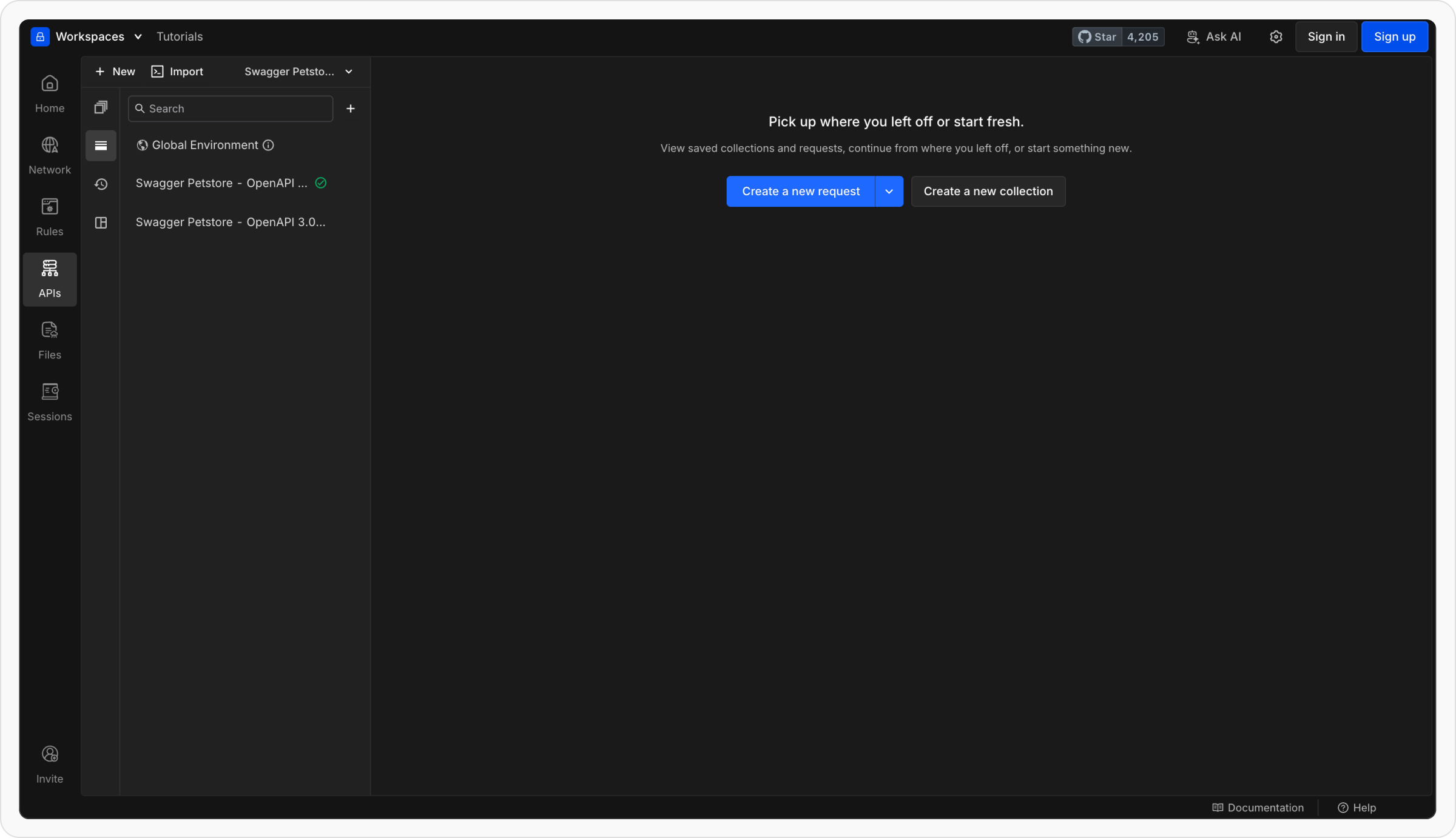
Go to your API Client workspace in Requestly. Make sure you’re in the workspace where you want to import your API collection.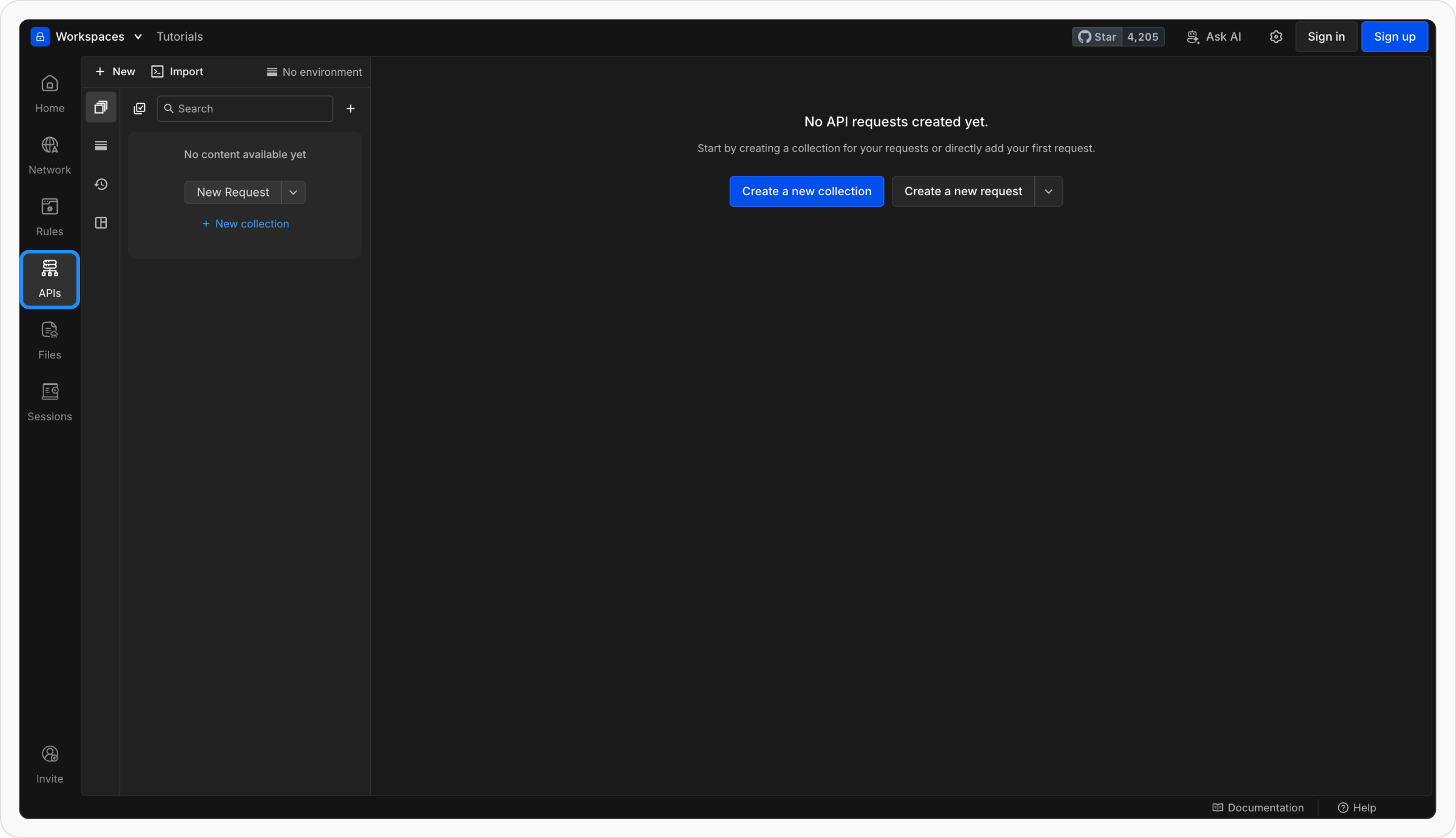
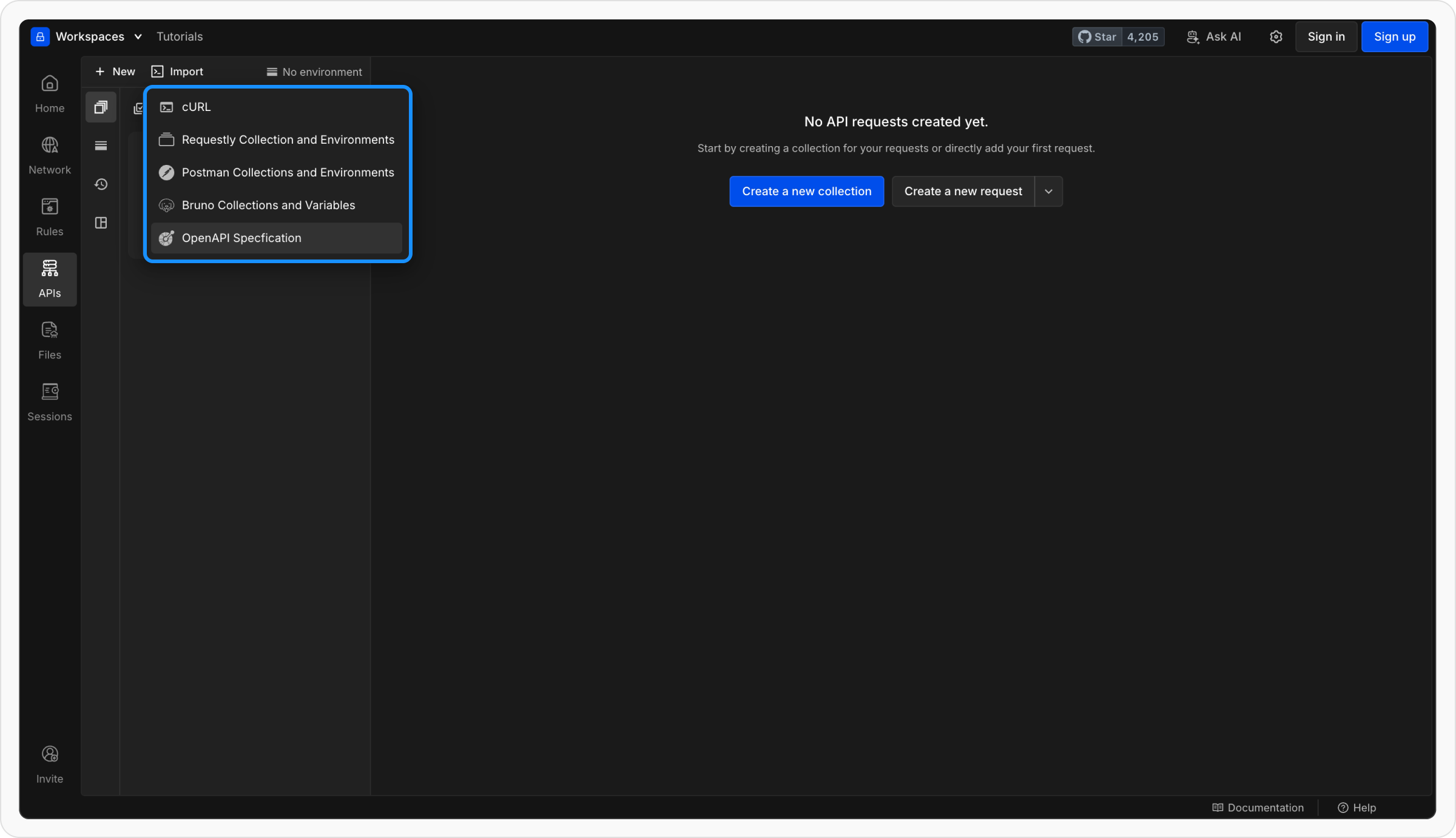
Preview Before Import
Requestly will show a preview of what will be imported — including: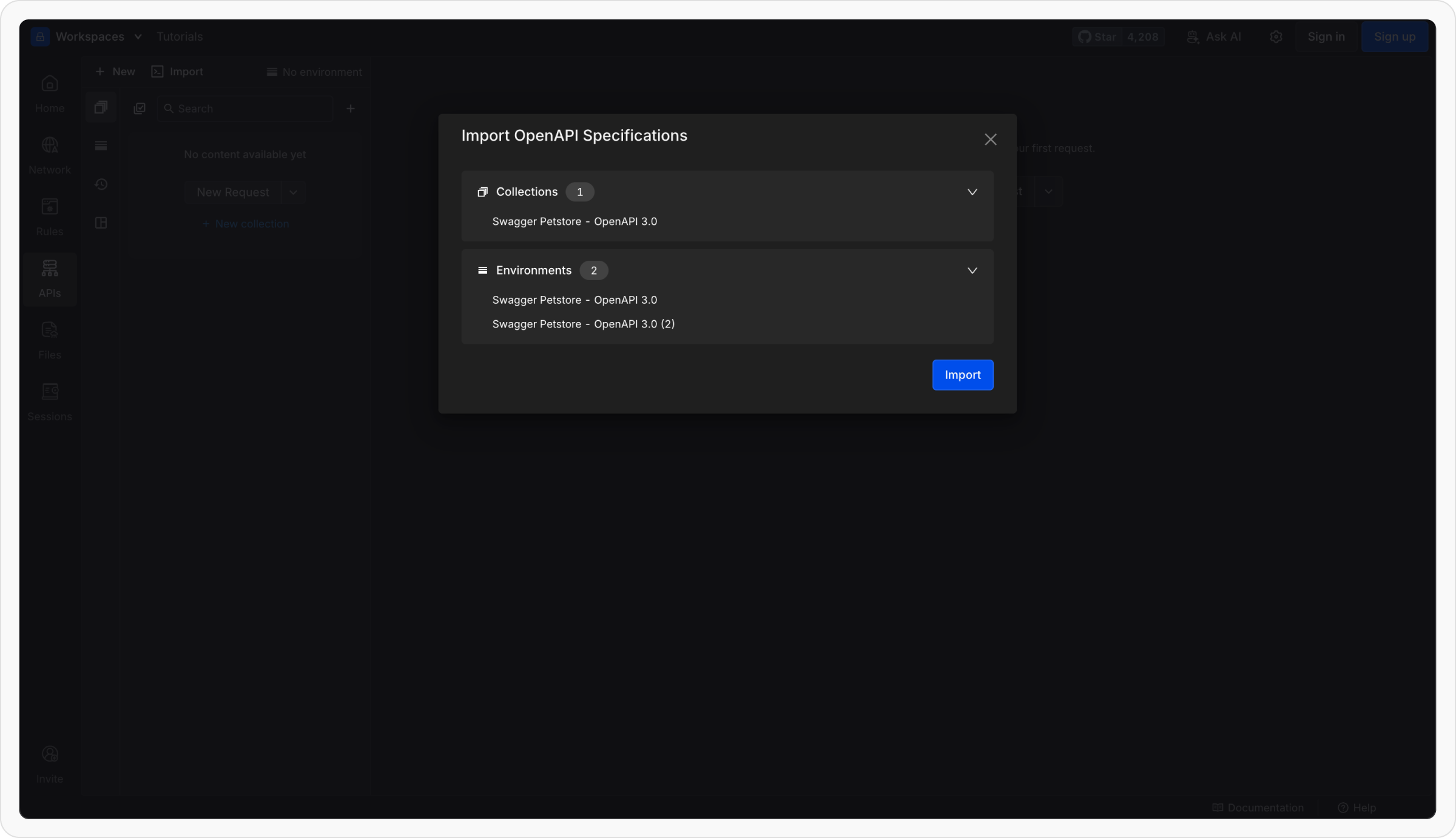
- The collections that will be created
- The environments and variables that will be set up
Requestly builds your collection
- Each path in your OpenAPI file becomes an individual request.
- Requests are grouped under collections named after your API or service.
- Requestly automatically fills in the method, URL, headers, and body (if defined in the spec).
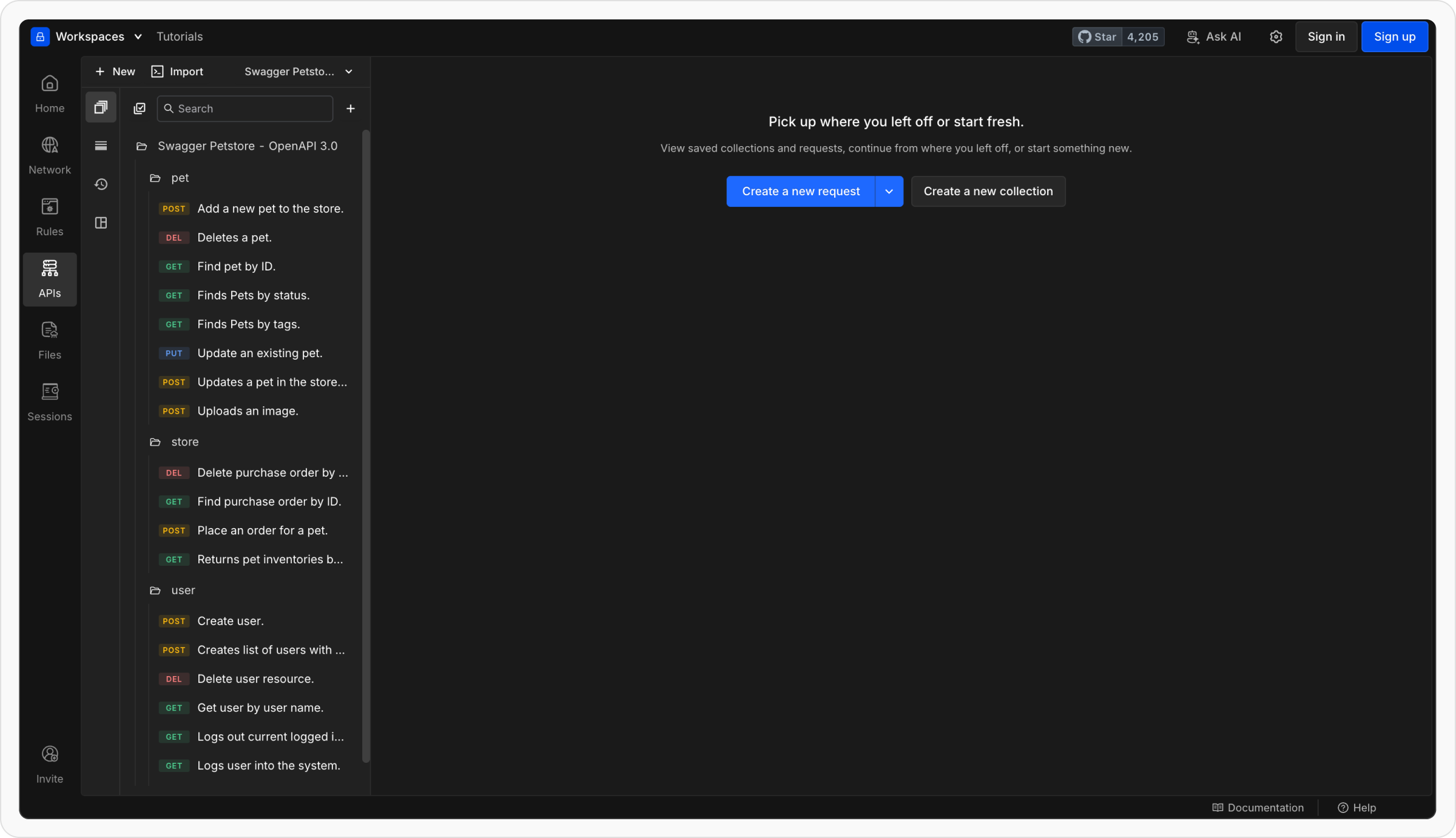
What Happens After Import
Once imported, Requestly automatically maps elements from your OpenAPI file to your workspace structure.| OpenAPI Element | Where It Appears in Requestly |
|---|---|
| Paths | Individual requests inside the imported collection |
| Methods (GET, POST, etc.) | Reflected automatically in each request |
| Servers (root level) | Creates environments with a {{base_url}} variable for each server URL |
| Servers (path level) | Used as collection variables in parent |
| Schemas / Components | Used internally for request and response structure |
| Request bodies & parameters | Automatically mapped to request body and query params |