

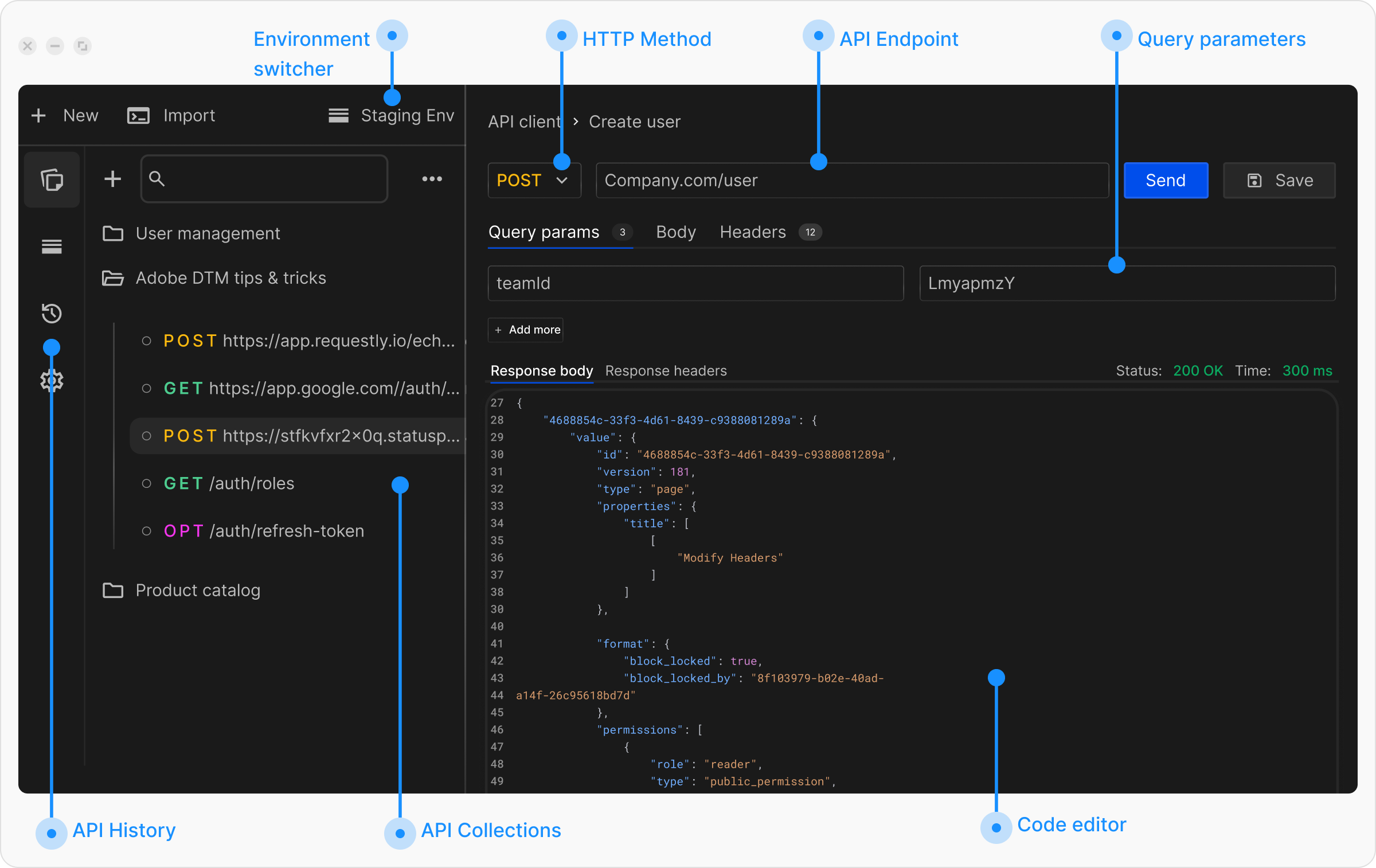
Get Started with Sending Requests
If you have not sent a request before, review the Sending Your First Request guide before continuing. Explore the topics below to learn how to send API requests in Requestly:- To understand the basics of building requests, including selecting HTTP methods, entering URLs, and interpreting response status codes, see Configure Request.
- To learn how to add query parameters, path variables, and request body data in formats such as JSON, form data, and file uploads, see Parameters and Body Data.
- If your API requires specific headers or authentication tokens, learn how to configure them in Request Headers.
- Export requests as code snippets in multiple languages such as JavaScript, Python, and cURL. Learn more in Generate Client Code.
- If your API requires identity verification or access control, review the Authorization Guide.
- Use collections to group related requests for better organization and collaboration. Learn more in API Collections.
- Variables allow you to reuse data across requests and switch values based on environments such as development, staging, or production. See Variables and Environments.
- Add JavaScript code to run before sending requests or after receiving responses to automate workflows and extract data. Learn more in Scripts.
- Write automated tests to validate API responses and ensure reliability. See Tests.
- Export requests as code snippets in multiple languages such as JavaScript, Python, and cURL. Learn more in Generate Client Code.