

Quick Start
Follow these steps to send your first API request:Open API Client and Create a New Request
Click the API Client link in the left sidebar of the Requestly application, then click the 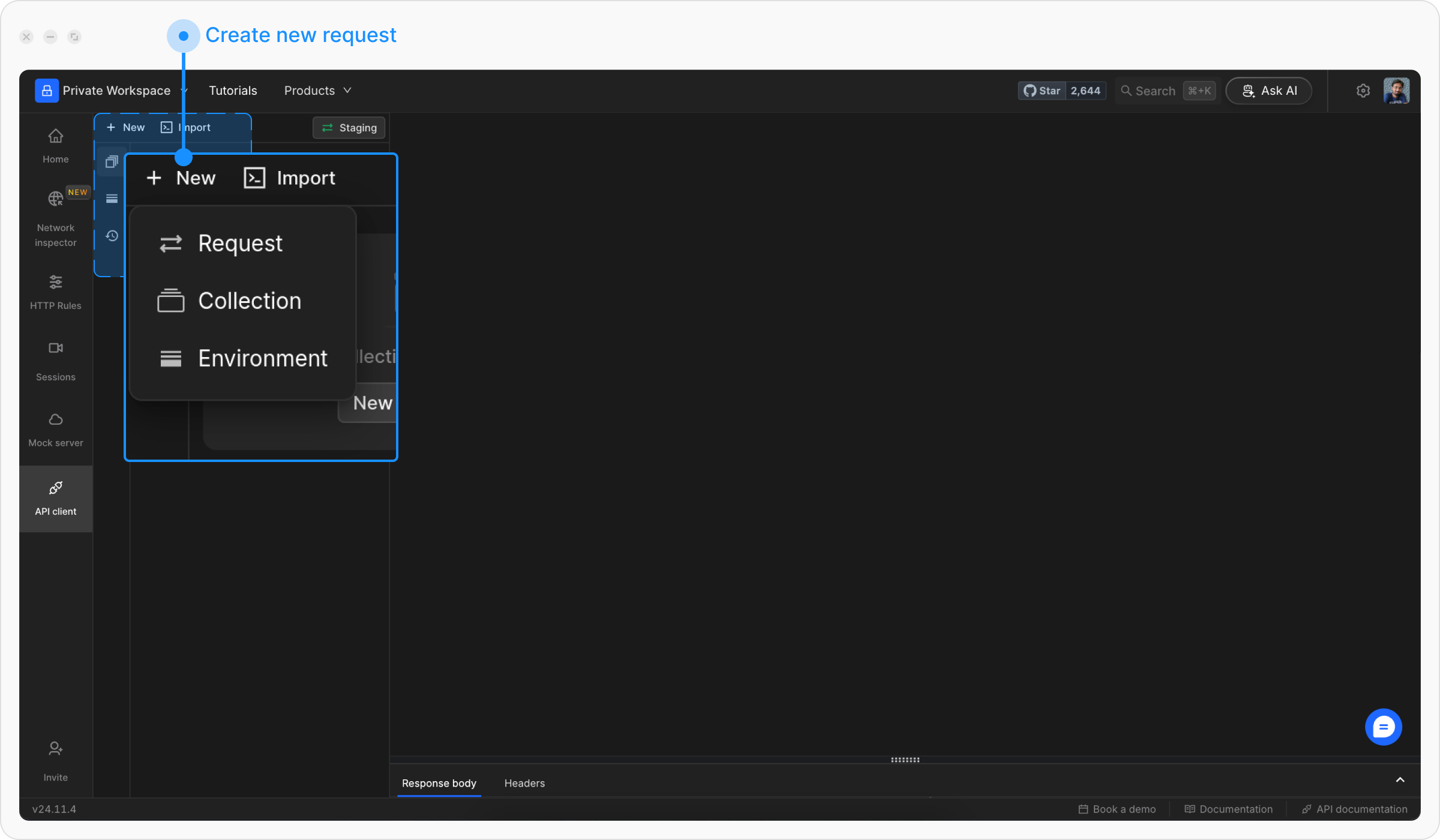
+ New button to create a new request and select Request from the menu.Name Your API Request
Choose a descriptive title for your request to make it easy to identify later.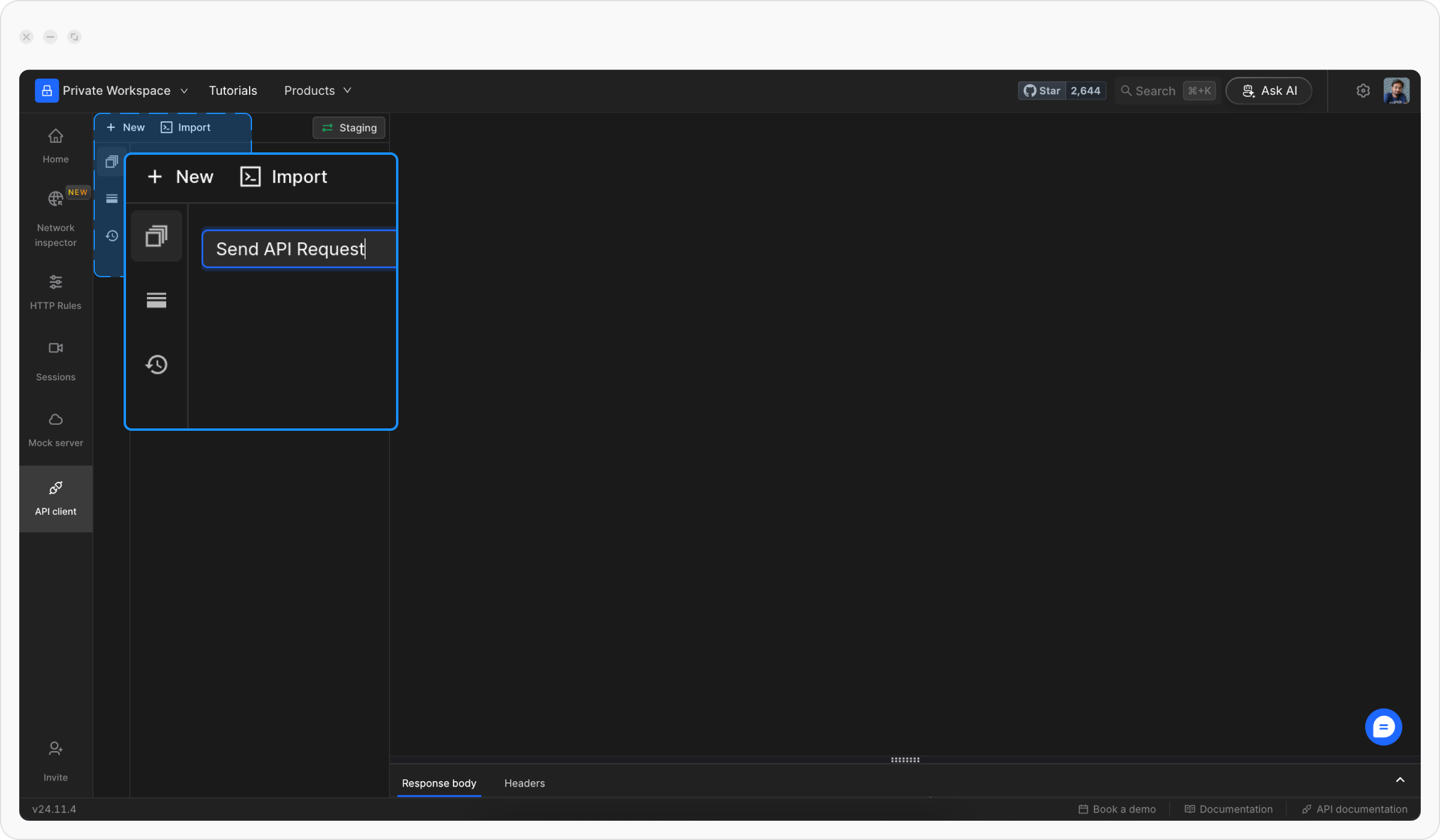
Enter the API URL and HTTP Method
Pick the HTTP method (e.g., GET, POST) and type the URL of the API you want to test.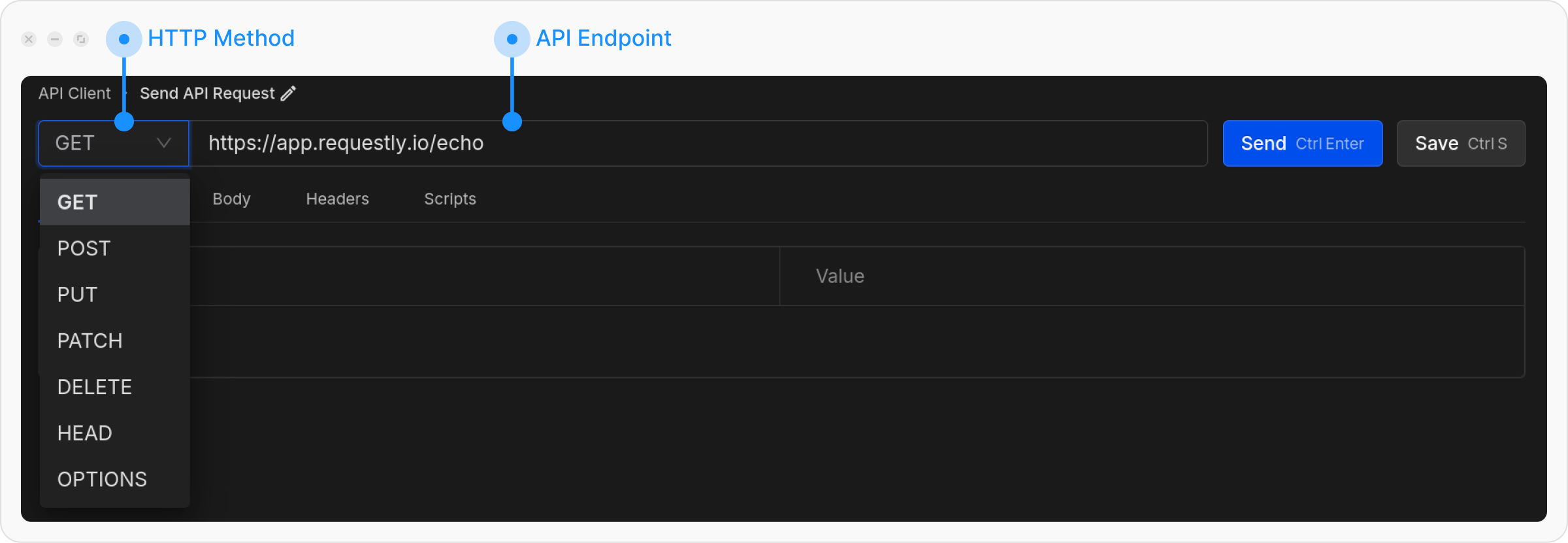
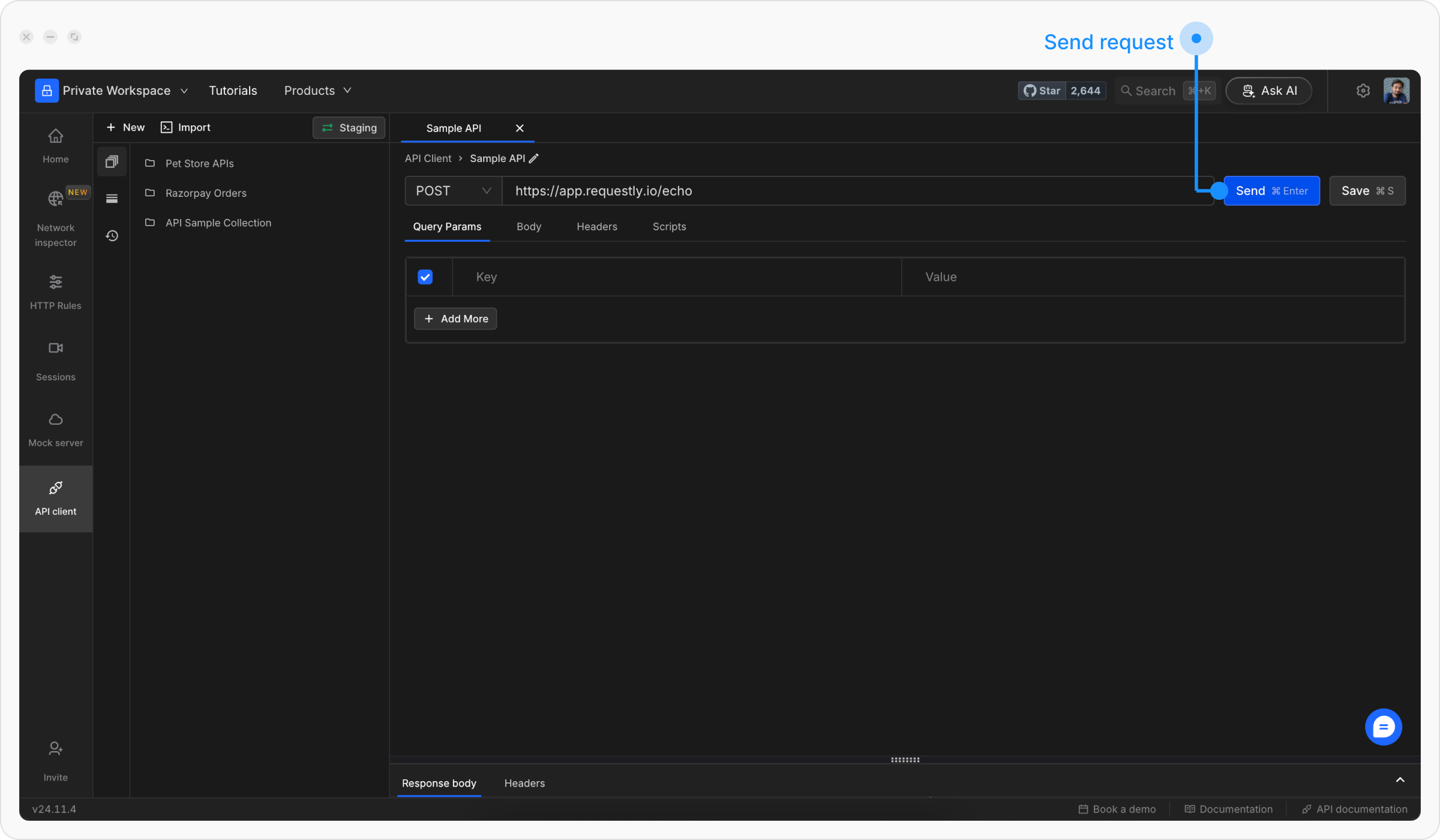
Understanding the Response
Once you send a request, you’ll see the response displayed in the bottom panel with the following information:View the Response Body
Check the response body in the Response Body section. You can switch between formatted (pretty) and raw views.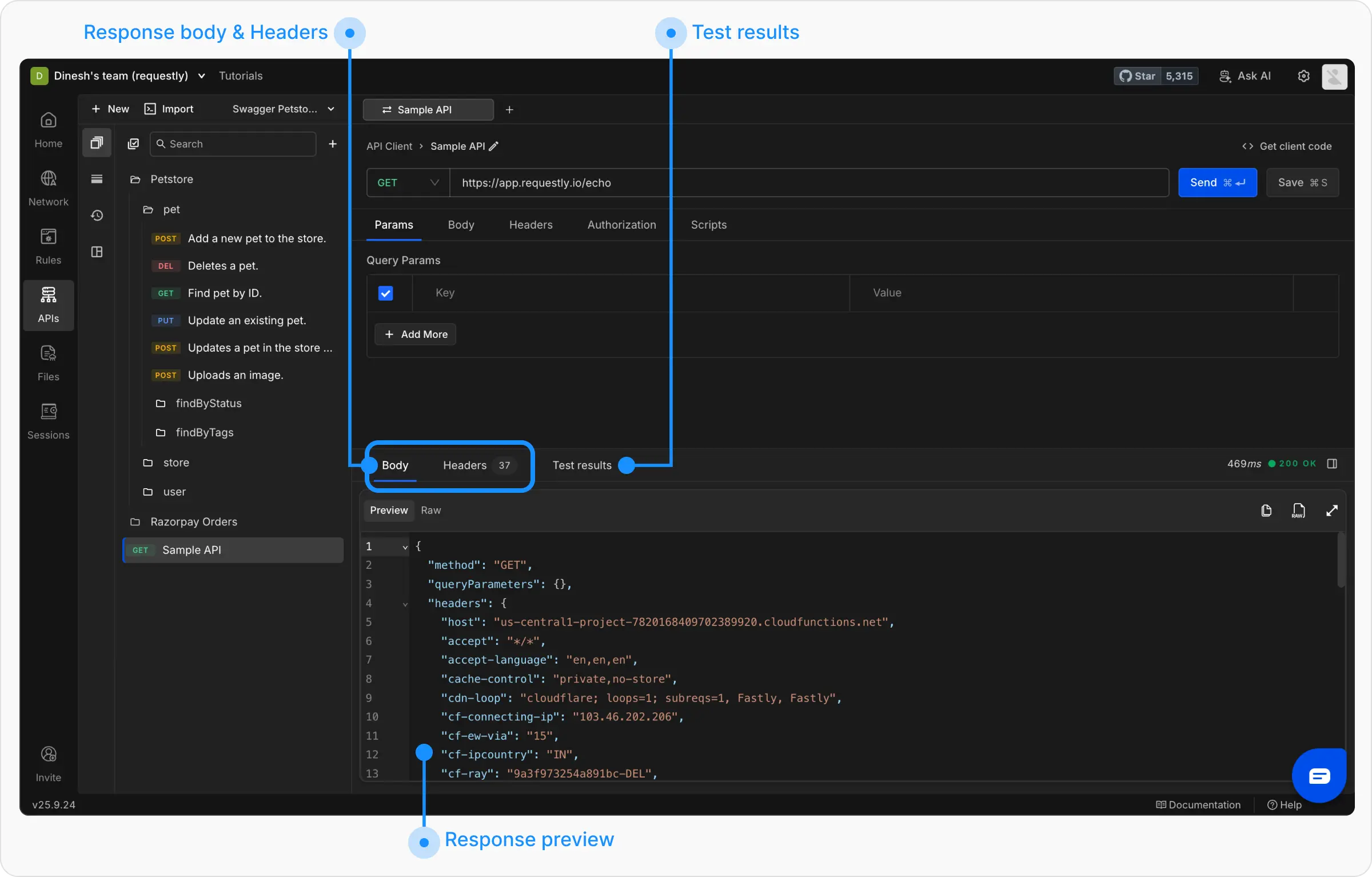
Check the Response Headers
Review the headers sent back by the server in the Headers tab.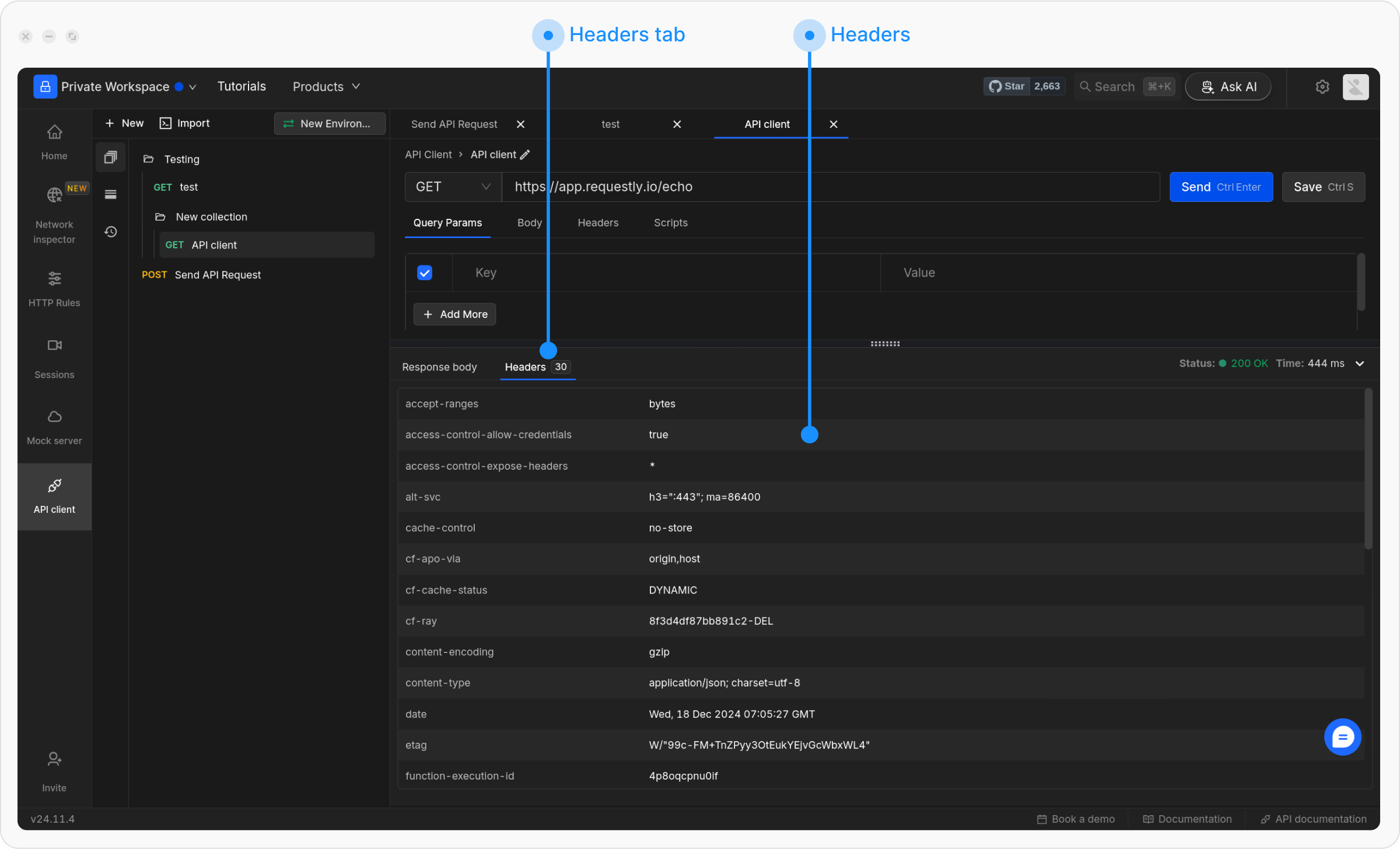
Next Steps
Now that you understand the basics, explore these guides to master API request creation:Configure Request
Set up HTTP methods, URLs, and send your first request
Parameters and Body
Add query parameters, path variables, and request body data
Request Headers
Configure headers for authentication and content types
Generate Client Code
Export your requests as code in multiple programming languages